

CalamityXI now has a proper Launcher built around getting you into the game as cleanly as possible. It handles installs and updates, keeps all your configuration in one place, and puts live status one click away from anywhere in the app. This is our first look at the player-facing Launcher experience.
Shard Status at a Glance
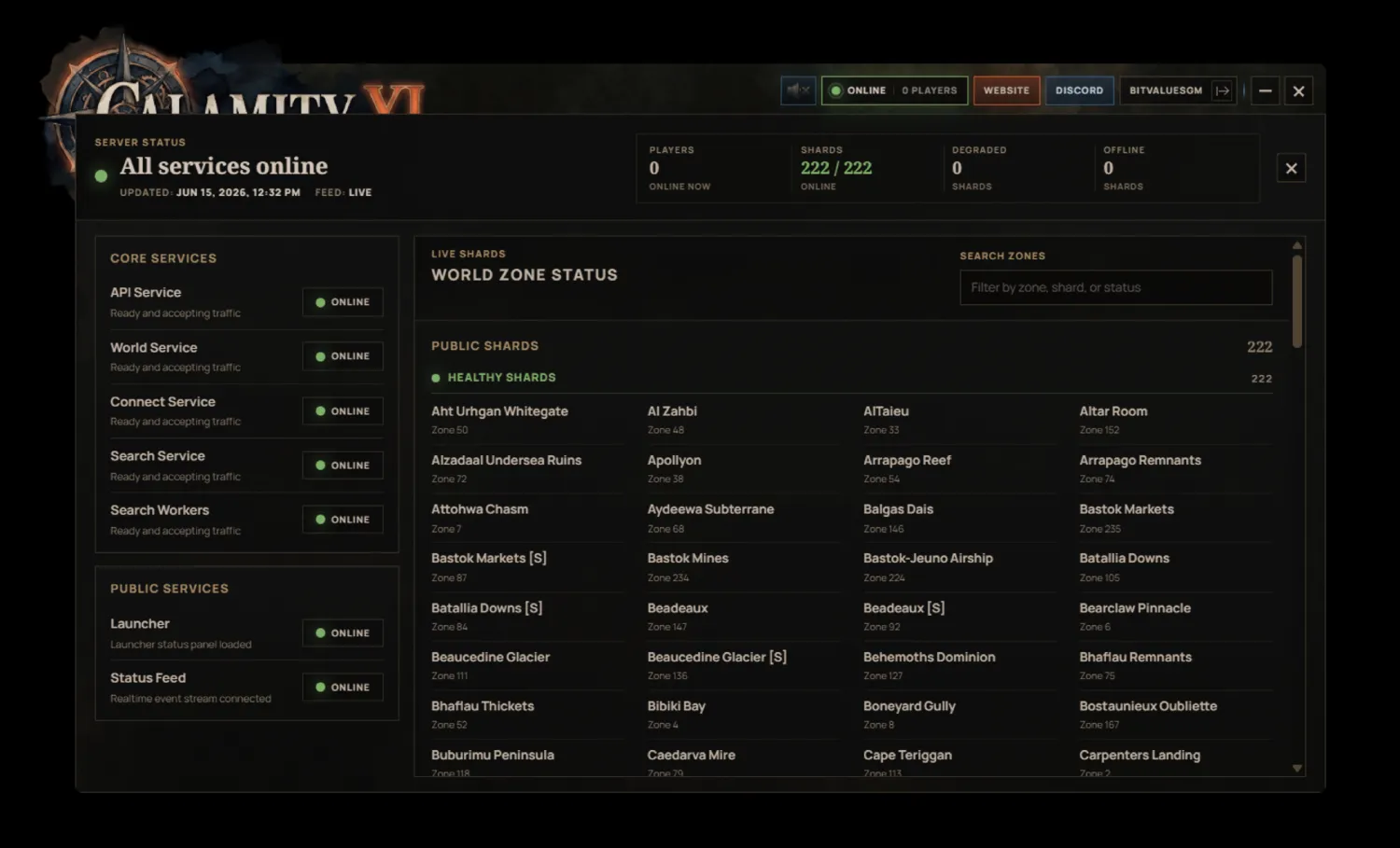
The launcher keeps shard status within reach at all times.
Click the status area at the top of the launcher and the status panel flies up from wherever you are. You can check shard health and online population while you are managing addons, changing settings, browsing the music hub, or waiting on an update.
Visibility is important and we want our player-base to know what's going on at all times. If a shard is healthy, degraded, or unavailable, that status should always be easy to reach.
Smart Updates and Installs
Updates and installs are one of the places where the launcher has to quietly do a lot of work.
CalamityXI's launcher is built around chunked downloads, compression, decompression, and efficient install planning. That means the launcher is smart about what it downloads, how it moves data into place, and how it recovers when life interrupts the patch (just in case you're stuck on Taco Bell WiFi).
Downloads can be paused and resumed at any point. If you need to stop an update, close the launcher, switch networks, or come back later, the launcher can pick the work back up while preserving the progress already made.
Addon and Plugin Management
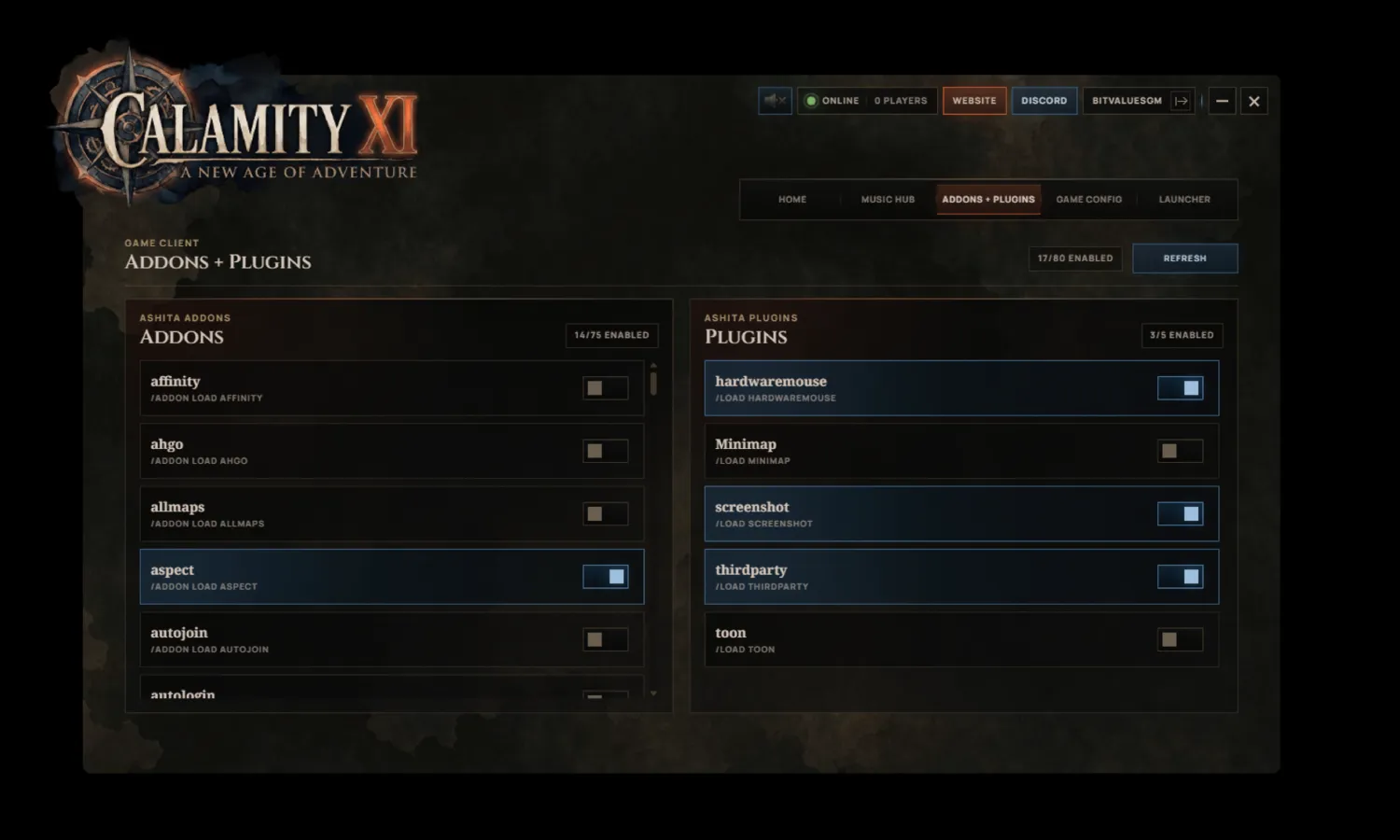
Addon and plugin management is built directly into the experience, giving players one place to manage their CalamityXI setup.
The common choices are easier to see, easier to change, and easier to keep consistent.
If you like keeping your setup lean, you can do that. If you have a preferred collection of addons and plugins, the launcher makes that easier to maintain too.
Music Hub
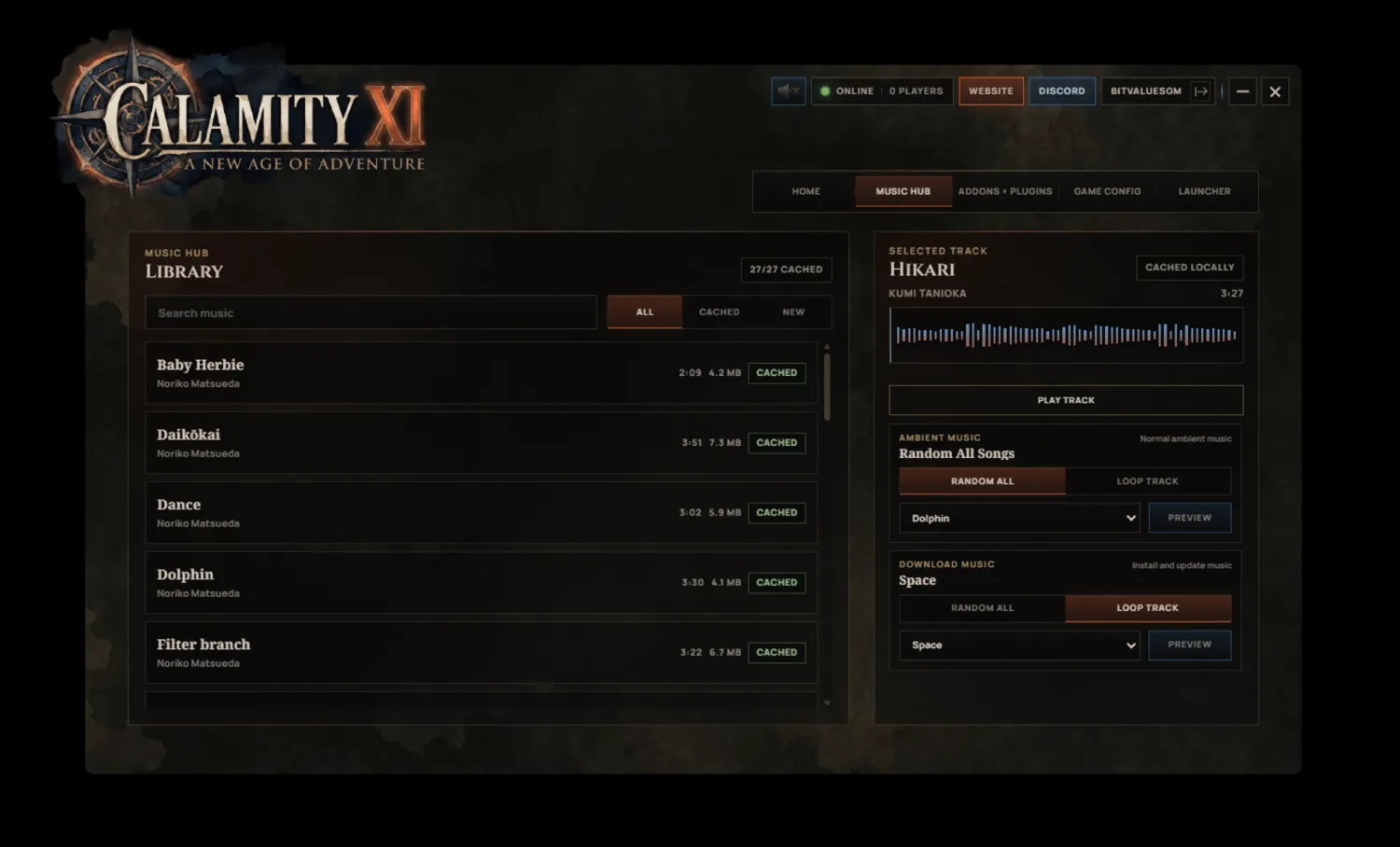
Patch time deserves a little personality.
The launcher includes a music hub with theme slots for update and download ambience. That means players can choose what they want to hear while the launcher is working, whether they want something calm in the background or something a little more nostalgic.
It is a small thing on paper, but it changes the mood of the whole experience.
Game Settings Management
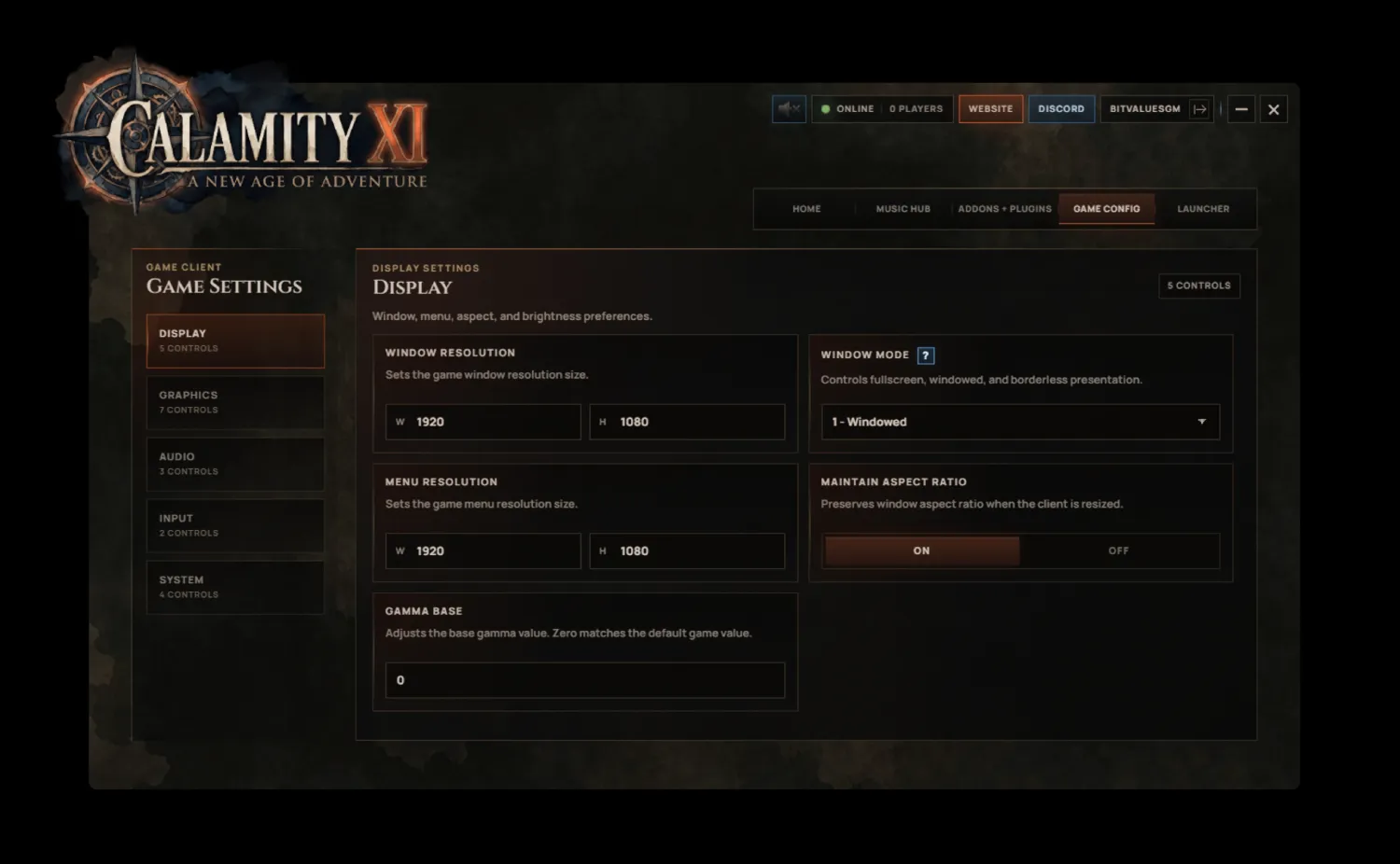
The launcher is also a place to manage in-game settings. A smoother setup helps the game start cleanly, with the configuration handled before your first pull, craft, party invite, or long walk through familiar zones.
AMD64 and ARM64 Support
The Launcher supports both AMD64 and ARM64 systems.
That supports more modern machines with a native launcher experience and keeps the delivery path flexible as player hardware continues to change.
The Player Hub
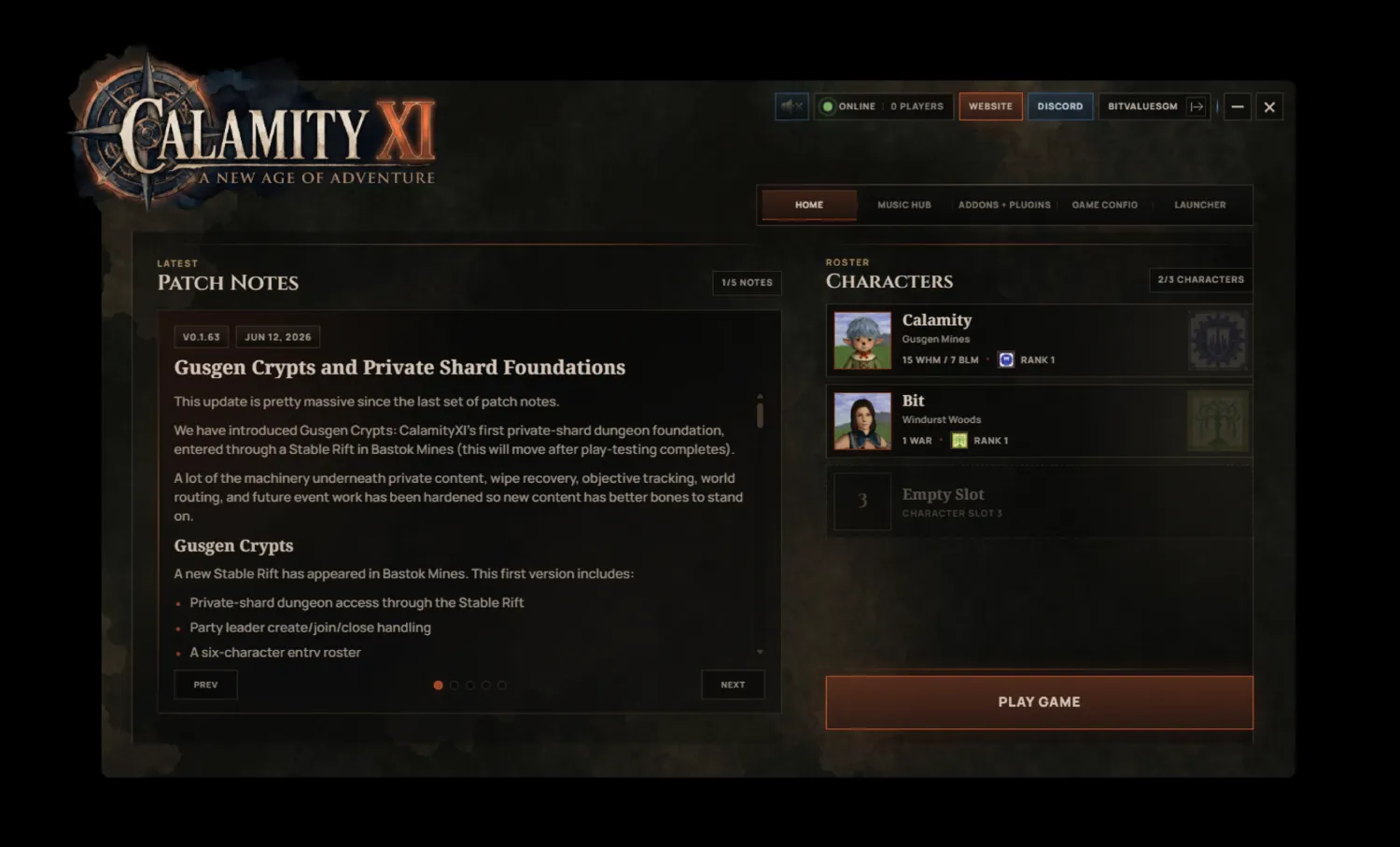
This preview is the first proper look at a launcher that has already had a lot of stabilization work behind it.
Shard status. Player population. Smart installs. Resumable downloads. Addon and plugin management. Music slots. Game settings. AMD64 and ARM64 support.
All of those pieces are integral parts of the same end goal: make CalamityXI more enjoyable to return to.